POST
https://seedance2-pro.com
/
api
/
v1
/
jobs
/
createTask
Image to Video | Seedance2 API - AI Video Generation
curl --request POST \
  --url https://seedance2-pro.com/api/v1/jobs/createTask \
  --header 'Content-Type: application/json' \
  --data '
{
  "model": "<string>",
  "inputs": {
    "urls": [
      "<string>"
    ],
    "prompt": "<string>",
    "resolution": "<string>",
    "duration": "<string>"
  },
  "callBackUrl": "<string>"
}
'

Overview

Provide 1 or 2 images and Seedance 2.0 generates a video:
  • 1 image — used as the first frame of the video
  • 2 images — first image is the start frame, second is the end frame, with smooth motion between them
The aspect ratio is automatically detected from the input images.
To use images as visual references instead of first/last frames (character consistency, style transfer, etc.), see Omni Reference.

Endpoint

POST https://seedance2-pro.com/api/v1/jobs/createTask

Headers

HeaderValueRequired
AuthorizationBearer YOUR_API_KEYYes
Content-Typeapplication/jsonYes

Request Body

model
string
required
Must be seedance-20
inputs
object
required
callBackUrl
string
Optional webhook URL for completion notification.

Credits

DurationCreditsCost
4s160$0.80
5s200$1.00
8s320$1.60
10s400$2.00
15s600$3.00
Formula: duration (seconds) x 40 credits

Example — Image to Video (Single First Frame)

1 image — the image becomes the first frame of the video.
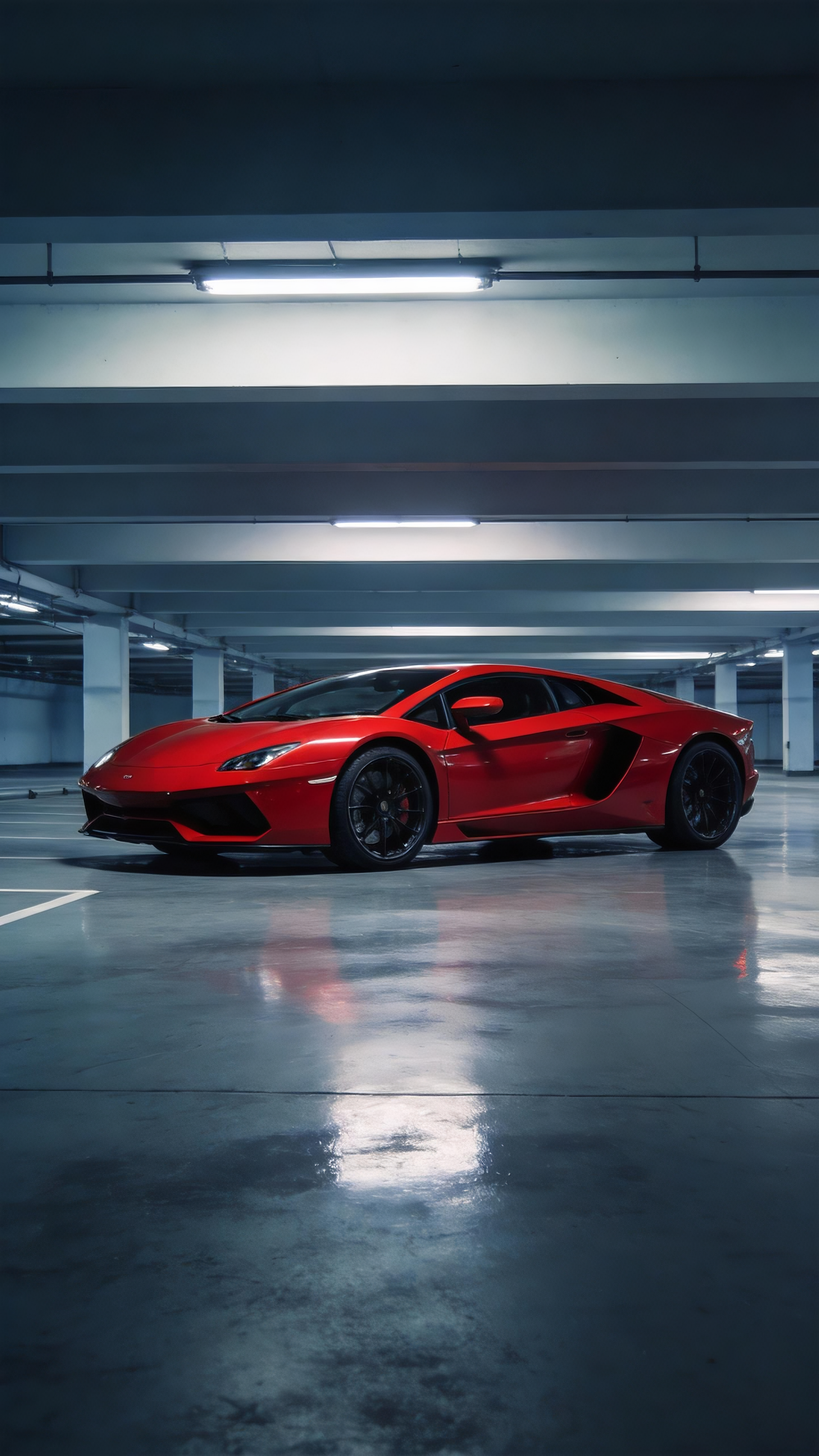
Red supercar in parking garage
curl -X POST https://seedance2-pro.com/api/v1/jobs/createTask \
  -H "Authorization: Bearer YOUR_API_KEY" \
  -H "Content-Type: application/json" \
  -d '{
    "model": "seedance-20",
    "inputs": {
      "urls": ["https://seedance2-pro.com/landing/seedance2/cases/camera-motion/camera-motion-img-01.png"],
      "prompt": "The red supercar as the subject, camera pushes in close to a detail shot of the headlights, then rotates as the car spins to reveal its full profile, reflections rippling across the wet garage floor",
      "duration": "5s"
    }
  }'

Example — First + Last Frame

2 images — first image is the start frame, second is the end frame. The model generates smooth motion between them.
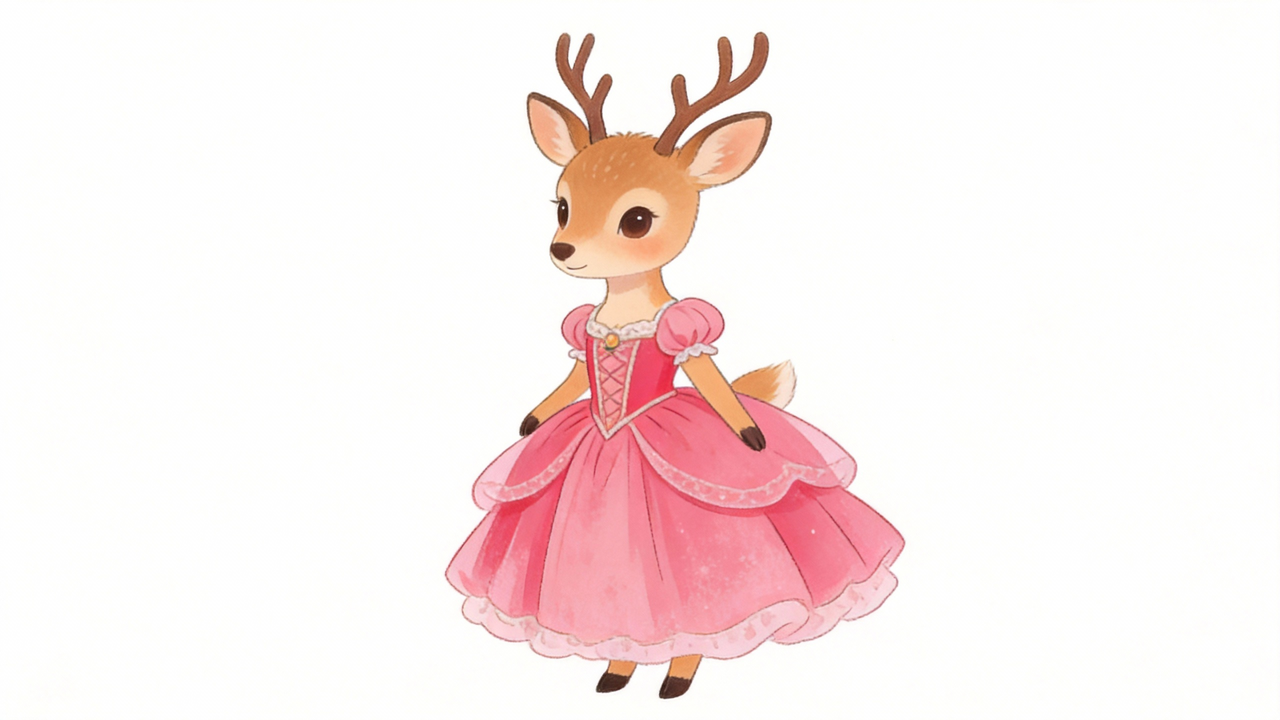
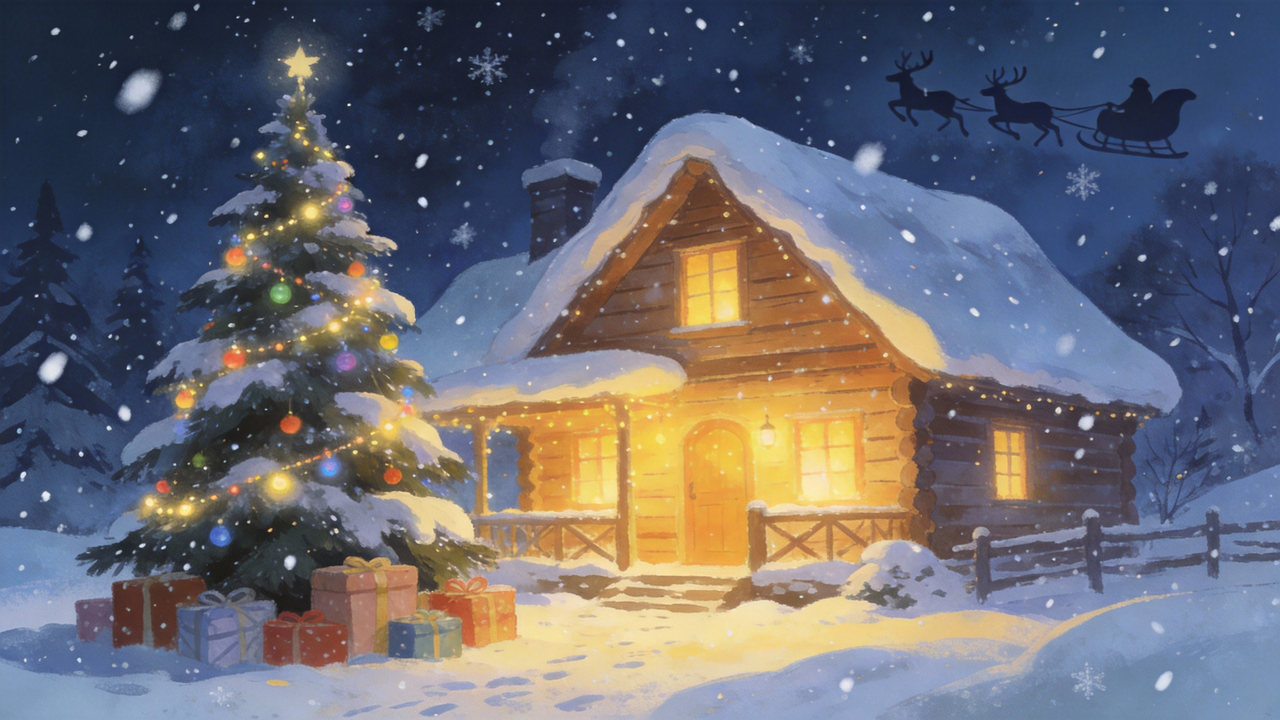
Small deer character
Christmas cabin with warm light
curl -X POST https://seedance2-pro.com/api/v1/jobs/createTask \
  -H "Authorization: Bearer YOUR_API_KEY" \
  -H "Content-Type: application/json" \
  -d '{
    "model": "seedance-20",
    "inputs": {
      "urls": [
        "https://seedance2-pro.com/landing/seedance2/cases/long-take/long-take-img-02.png",
        "https://seedance2-pro.com/landing/seedance2/cases/long-take/long-take-img-01.png"
      ],
      "prompt": "Continuous tracking shot, the camera follows a small deer through the snow, arriving at a cozy Christmas cabin with warm yellow light glowing from inside",
      "duration": "5s"
    }
  }'

Response

{
  "taskId": "task_clxxxxxx"
}
A 200 response means the task was created, not completed. Poll the Get Task Status endpoint to retrieve the generated video.

Get Result

Poll until status is success, then read the output array:
{
  "taskId": "task_clxxxxxx",
  "model": "seedance-20",
  "status": "success",
  "output": [
    {
      "url": "https://static.seedance2-pro.com/generated/video.mp4",
      "width": 1280,
      "height": 720
    }
  ]
}
See Get Task Status for full polling documentation.

Tips

  • Use high-quality source images for best results
  • Add motion descriptions in prompt to guide the animation (e.g. “zooming in”, “rotating slowly”)
  • When using 2 images, ensure they have similar composition for smoother transitions
  • If resolution is not provided, the aspect ratio is auto-detected from the source image

Next Steps